


I’ve noticed just how many subscriptions sneak into my budget without me really thinking about them. It’s easy to lose track of what I’m paying for each month, especially when some services barely get used. If you’re like me, cutting back on these can free up some cash without major sacrifices.
Canceling unnecessary household subscriptions is one of the simplest ways to save money quickly. By taking a closer look at what you’re actually using, you can avoid spending on things that no longer add value. This article will help you spot the ones that might be safe to drop right now.

Spotify Premium
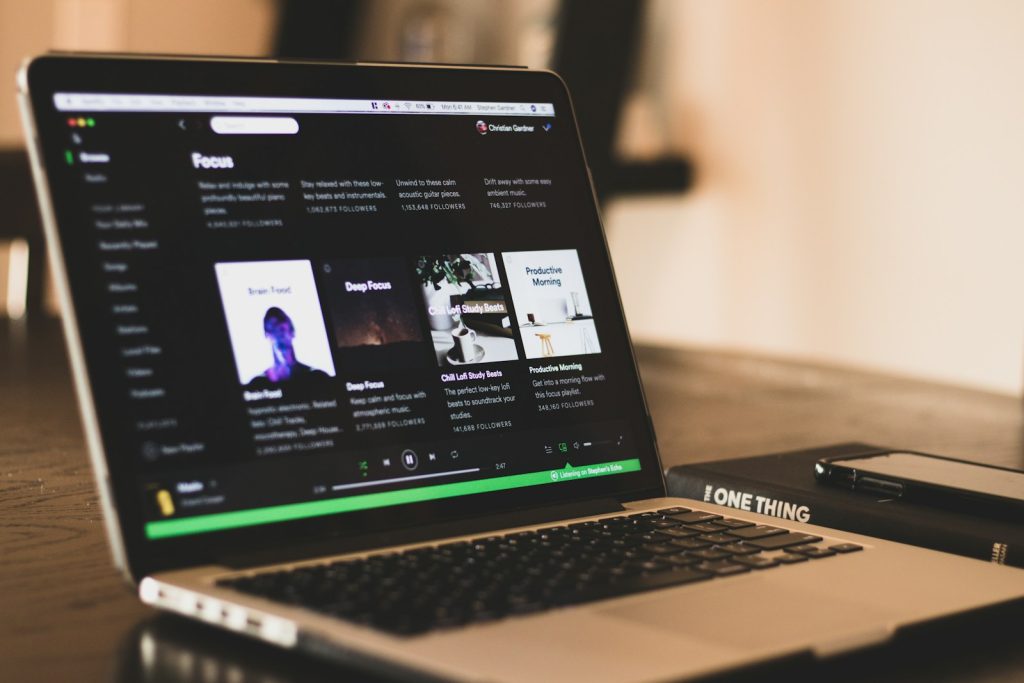
I used to pay for Spotify Premium because I liked having ad-free music and offline downloads. But honestly, the free version is pretty decent if you don’t mind the occasional ad.
Canceling Premium is easy. You just go to your account page, hit “Cancel plan,” and follow the steps. Your Premium will stay active until the next billing date, then it switches to free automatically.
If you’re on a family plan, the main account holder has to cancel it for everyone. You can always upgrade again later if you want the extra features back. Check out how to cancel Spotify Premium for details.
Netflix
I used to have a Netflix subscription, but the price jumps made me reconsider. It’s easy to cancel anytime through their website or app, which I appreciate.
If you’re not on the Basic Plan, they even offer an option to pause your membership for a month instead of canceling completely.
Since a Netflix account is meant for people living in the same household, sharing outside that can get tricky. If you want to stop paying for it, just visit your account settings and hit cancel. You’ll still get to watch until the next billing date.
Learn more about managing Netflix plans and cancellation options here.
Amazon Prime Video
I used to keep my Amazon Prime Video subscription without thinking much about it. But it’s actually part of the bigger Amazon Prime membership, so cancelling just the video part means losing other perks like free shipping.
If you signed up through a third party, like your phone provider, you might need to contact them directly to cancel. I found it easiest to manage all my subscriptions in the Amazon Memberships and Subscriptions section. That way, I can see renewal dates and cancel anytime without hassle.
If you cancel Prime entirely, any add-ons linked to it cancel too, so keep that in mind before you hit the button. You can learn more about managing it on this page about canceling Prime Video.
Adobe Creative Cloud
I used to have an Adobe Creative Cloud subscription, but honestly, I didn’t use it enough to justify the cost. If you buy directly from Adobe, you can cancel through their Admin Console without much hassle.
If you got it through a reseller, though, you’ll need to reach out to them to cancel. Just a heads-up: canceling early on an annual plan might come with a fee, so double-check your terms before you pull the plug. You keep access to your files, but storage will drop to the free 2GB limit after cancellation.
Learn more about how to cancel Adobe subscriptions here.
HelloFresh Meal Kit
I tried HelloFresh for a while, but I found it wasn’t really saving me time like I thought it would. The weekly subscription automatically renews, so if I wasn’t careful, I’d get charged even when I didn’t want meals.
Canceling is pretty simple, though. I just logged into my account and paused or canceled before the 11:59 pm PST cut-off, five days before the next delivery. It’s handy that you can do it all online without calling customer support. If you’re thinking of canceling too, this quick process can help you avoid unwanted charges.
You can find detailed steps on how to cancel a HelloFresh subscription here.
Calm Meditation App
I used to have a Calm subscription because I thought it would help with sleep and stress. It’s got guided meditations, sleep stories, and some cool music.
The thing is, I didn’t use it enough to justify the $69.99 yearly fee. Canceling is pretty simple if you go through the app’s settings and hit “Manage Subscription.”
You can cancel anytime, and you still get access until the subscription officially ends. Just remember to cancel at least 24 hours before your trial or renewal to avoid being charged again. More details are available on how to cancel Calm subscriptions.
Microsoft 365
I had a Microsoft 365 subscription that I didn’t use much, so I decided to cancel it. It’s pretty easy to do by going to your Microsoft account page, navigating to subscriptions, and selecting cancel.
If you cancel partway through your billing period, you might still have access until the end of that period. Some countries even offer prorated refunds depending on your subscription length.
I found that canceling stopped any automatic renewals, which saved me money in the long run. If you want to manage subscriptions quickly, this is one to check out. For detailed steps, you can visit how to cancel a Microsoft 365 subscription.