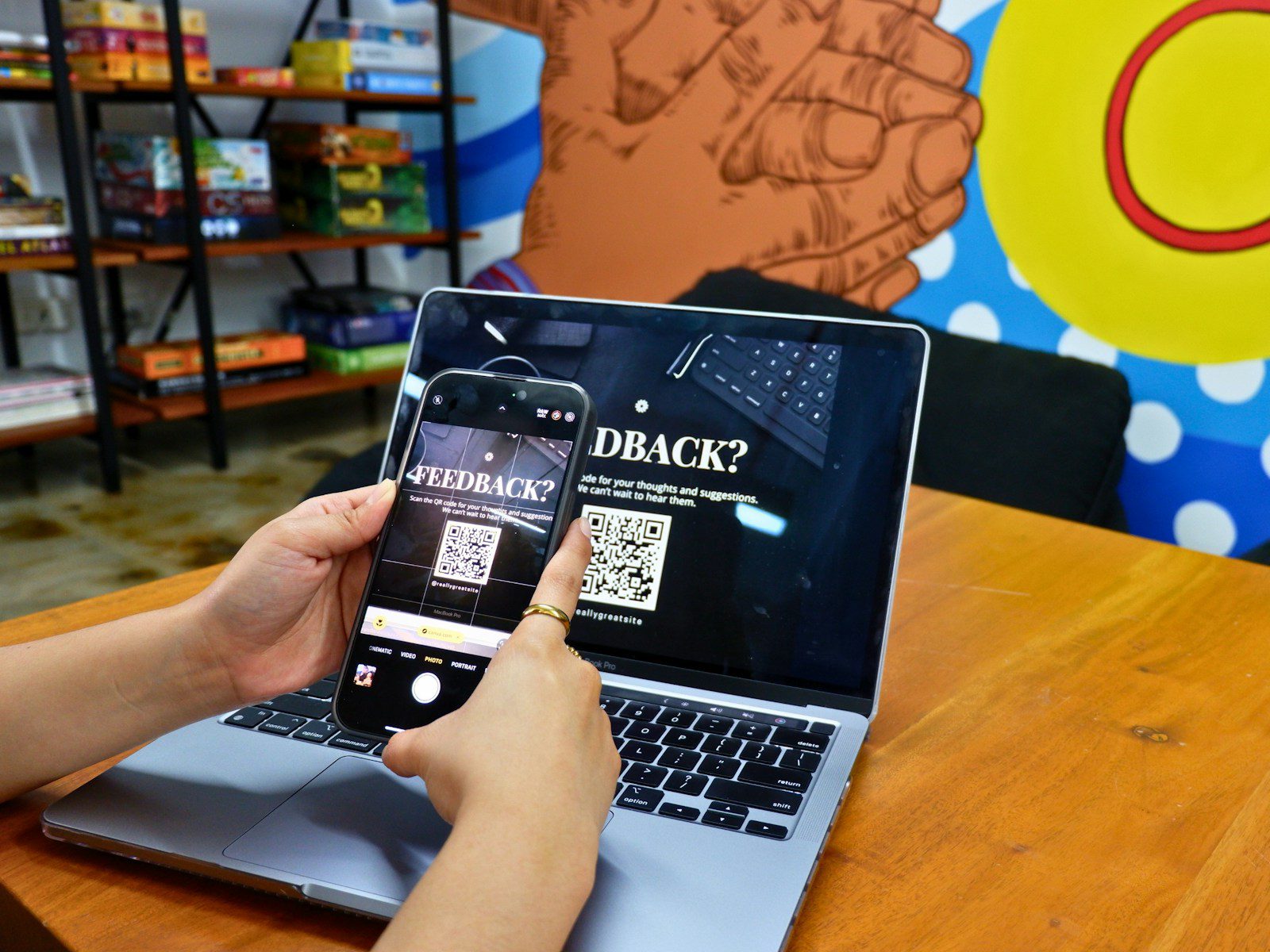
QR codes have quietly become the remote control for everyday life, from restaurant menus to parking meters to office sign-ins. That convenience is exactly why security experts keep repeating a simple warning: think twice before pointing a camera at any random black‑and‑white square. The same pattern that pulls up a menu in two seconds can just as easily send a phone to a fake login page, drop malware on a device, or trigger a payment the user never meant to make.
The risk is not that the code itself is magic or new, but that it hides what is really going on until after the scan. Attackers are leaning into that invisibility, swapping in counterfeit stickers, slipping images into emails, and even mailing physical packages that exist for one reason only, to get someone to scan. The result is a growing class of scams that feel low‑tech on the surface but are built to sidestep the defenses people rely on everywhere else online.
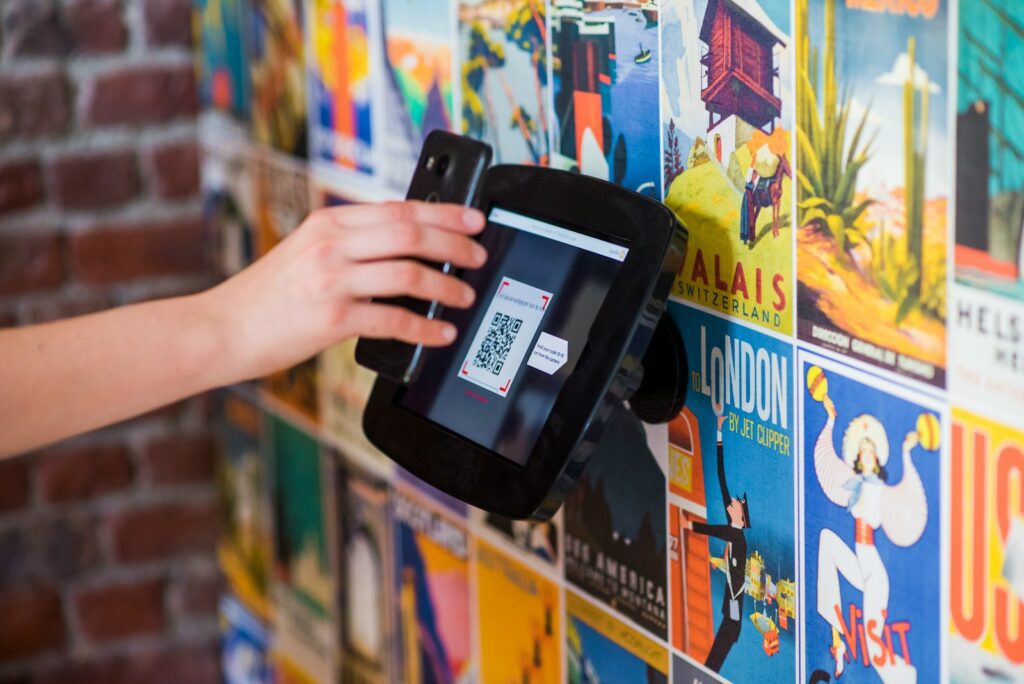
Why that little square is such a big target
At a basic level, a QR code is just a visual shortcut to data, usually a URL, and on its own it is not inherently dangerous. Security teams point out that the real risk sits on the other side of the scan, in the website or app the pattern silently calls up, which is why guides like the Code Security Guide stress that the destination, not the pattern, is what matters. The problem is that users cannot see that destination in advance the way they can with a normal link, so they are effectively clicking blind in the middle of a sidewalk or a crowded bar.
That blind click has become more common as QR codes spread into every corner of daily life, from contactless menus to payment portals and office check‑ins, a trend highlighted in warnings about QR codes becoming a standard part of routine errands. Attackers have noticed the shift and are treating the codes as just another entry point into phones and laptops, which is why experts now talk about them in the same breath as phishing links and malicious attachments.
From “quishing” to malware: how QR scams actually work
Once someone scans, the playbook looks familiar to anyone who has dealt with phishing, but the QR twist makes it easier to slip past defenses. Security researchers tracking phishing emails built around QR images describe messages that contain almost no text at all, just a code that leads to a fake login page or a malware download. Because the dangerous part lives behind the image, traditional email filters that scan for suspicious links or attachments often let these messages through.
That gap is big enough that even large platforms have had to adjust. Security teams behind Microsoft Defender for Office 365, for example, have flagged a surge in QR‑based phishing that leans on minimalistic emails and embedded images instead of the usual wall of text. Other analysts describe Cyber Threats from Suspicious QR Codes that include credential theft, decoy posters, and swapped stickers on legitimate signs, all designed to funnel people into the same traps that used to arrive only by email.
Why existing security tools are not enough
Part of what makes QR scams so attractive to criminals is that they slip through the cracks of the defenses people assume are watching their backs. Email gateways and spam filters are tuned to follow visible URLs, not to decode images, which is why experts in Finding the Right warn that existing filters are not designed to follow QR patterns to their final destination. That means a message with nothing but a QR image can look harmless to the software, even if the code itself points straight at a credential‑stealing site.
The same blind spot shows up on phones, where the default camera app often treats QR scans as a convenience feature rather than a security decision. Guidance from university security teams, including the About QR Codes section of one campus guide, stresses that the phone will happily open whatever URL the code encodes, even if that site is primed to prompt for a malware attack. That is why some institutions now tell staff to avoid dedicated QR apps entirely and stick to built‑in tools that at least preview the link, a point echoed in advice that users do not actually need a QR code app at all.
What can really go wrong when you scan a random code
When security teams talk about QR risks, they are not being abstract. They are looking at very specific outcomes that start with a casual scan and end with a compromised device or drained account. One breakdown of What Are the lists Malware Installation right at the top, noting that a single scan can trigger a download that quietly installs malicious software. University security pages on The Risks go further, warning that once a device is compromised, attackers can harvest passwords, intercept messages, or pivot into corporate networks.
Even when malware is not involved, the financial and privacy fallout can be ugly. Consumer alerts on how Scammers hide harmful links in QR codes describe fake parking meters and phony account portals that capture credit card numbers and personal details. Campus warnings that Beware QR codes can be malicious spell out scenarios where a scan initiates automatic fraudulent payments or redirects a student to a spoofed login page. Credit union guidance that asks Can QR Codes points out that Because QR codes are often placed in public and physical locations, it is surprisingly easy for criminals to cover a legitimate sticker with their own and quietly siphon off money or data from everyone who walks by.
Quishing, QRLjacking and other jargon worth knowing
As QR scams have matured, they have picked up their own vocabulary, and understanding that language helps people spot patterns faster. Security researchers now use “quishing” as shorthand for QR‑based phishing, a term that shows up in bank advisories warning that Scammers are exploiting QR codes through tactics that trick users into scanning malicious images that lead to credential theft. Other technical write‑ups, including one by Marcus White, describe how quishing attacks surged after COVID pushed QR codes into everyday use, turning what used to be a niche technology into a mainstream attack surface.
On the more advanced end, security teams talk about session hijacking techniques like QRLjacking, where attackers abuse QR‑based login flows to take over accounts. University IT departments that walk staff through QR Phishing Attacks and Session Hijacking warn that scanning a login code from the wrong screen can hand an attacker a live session token. Analysts who track QR codes as a new vector for phishing and malware note that these attacks often feel routine to the victim, who thinks they are just logging in or confirming a device, right up until the moment their account is no longer under their control.
More from Decluttering Mom: